Convert WORD to PDF
Convert DOC and DOCX to PDF with precision for reliable viewing, sharing, and professional PDF workflows.

This PDF Skills-enabled tool delivers expert Word-to-PDF conversion of .doc and .docx into .pdf, preserving layout, fidelity, and professional formatting. The resulting PDF remains accessible across devices and platforms.
-
PDF to word converter online free
-
No software download or installation
-
Fast Word to PDF conversion
The Premier Word-to-PDF PDF Skills Tool
For professional Word-to-PDF work, rely on our tool. Countless teams depend on its speed, precision, and reliable performance to support advanced PDF workflows.
Seamless Word to PDF Conversion
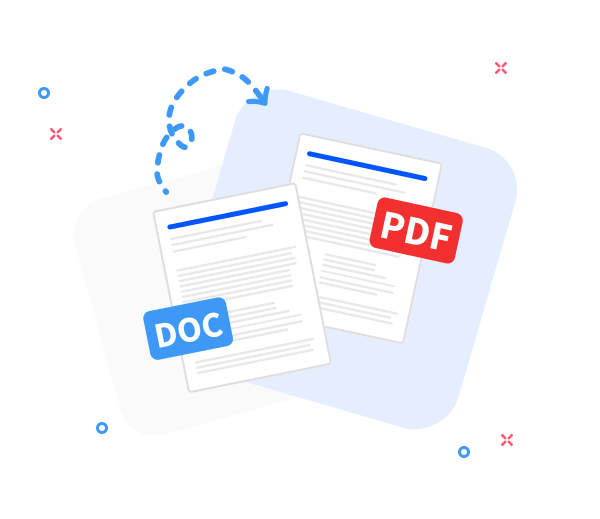
Convert any Word document to PDF while preserving the original layout. Fast, precise, and free-delivering best-practice PDF workflows for professional document handling.
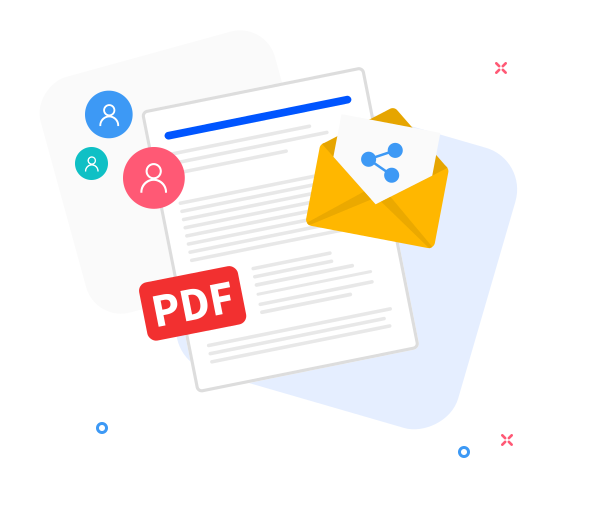
Share the converted files with others.
Our sharing features streamline collaboration within PDF workflows: generate a download link or email the PDF with a few clicks, ensuring confidence and efficiency in team document handling.
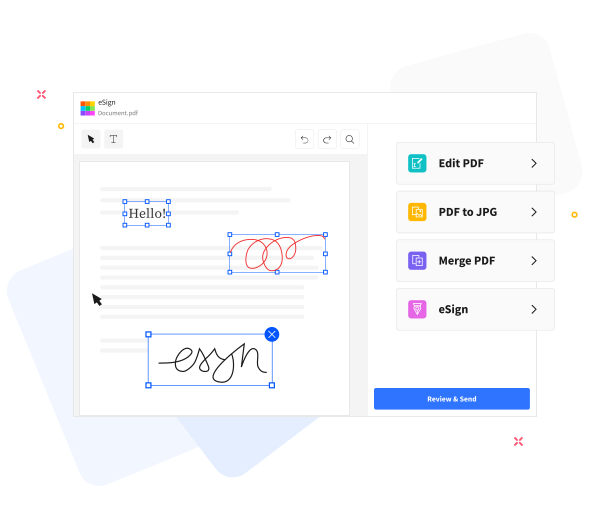
Elevate PDF quality with expert, skill-driven workflows.
Elevate your PDF Skills with our integrated toolkit. Master text editing, compress files for secure sharing, annotate with precision, and seamlessly merge PDFs into polished documents.
Frequently Asked Questions
Yes. The Word-to-PDF online converter is available at no cost. Convert Word documents to PDF without registration, watermarks, or software installation, supporting professional document handling and efficient PDF Skills.
Yes. The converter preserves typography, font fidelity, imagery, and page layout to ensure the resulting PDF mirrors the original Word document, enabling precise PDF workflows and professional document handling.
Yes. All transfers occur over secure HTTPS and are processed automatically. To protect privacy and uphold professional document handling standards, uploaded Word files and generated PDFs are purged from our servers after a short retention period.

How to convert a Word document to PDF?
Word to PDF: apply professional PDF Skills with this precise workflow:
- Upload your Word document to the converter to begin the PDF workflow, leveraging best practices for professional document handling.
- Click “Convert to PDF”.
- Allow a brief processing interval while the document is converted with precision and confidence in the PDF workflow.
- Click Download to securely save or distribute your PDF document with professional handling.
 Remove pages