Drop files here
Convert PDF to EXCEL
Turn PDF data into EXCEL spreadsheets.
Select PDF files

or drop PDF here
Leverage PDF Skills to convert PDFs to Excel quickly and precisely. Ideal for sharing reports, analyzing sales data, and streamlining document workflows online.
-
Transform PDF sales reports into fully editable Excel sheets, enabling precise data manipulation.
-
No installation required-ease of use aligned with professional PDF Skills and workflows.
-
Convert PDF data into fully editable Excel workbooks with precision and control.
Convert PDF to Excel in seconds
Harness PDF Skills to extract data or convert invoices from PDF to Excel with precision. This tool enables professional document handling-fast, reliable, and workflow-optimized.
Supports scanned documents
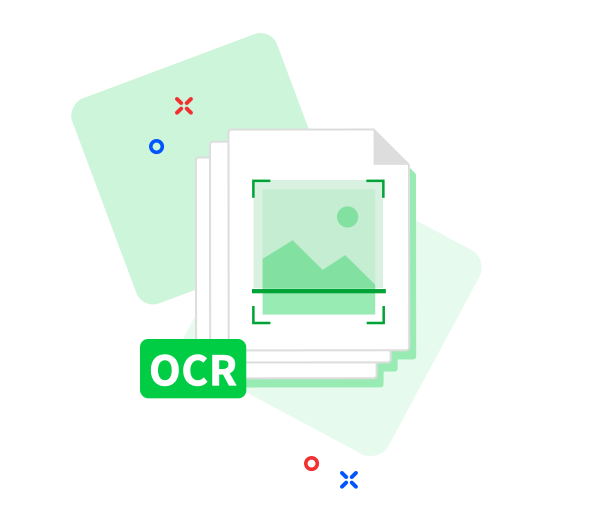
Built-in OCR enables you to upload PDFs containing scanned receipts, invoices, or images. We’ll extract the data and convert it into a structured Excel file, showcasing PDF Skills in practice at no cost.
Better teamwork
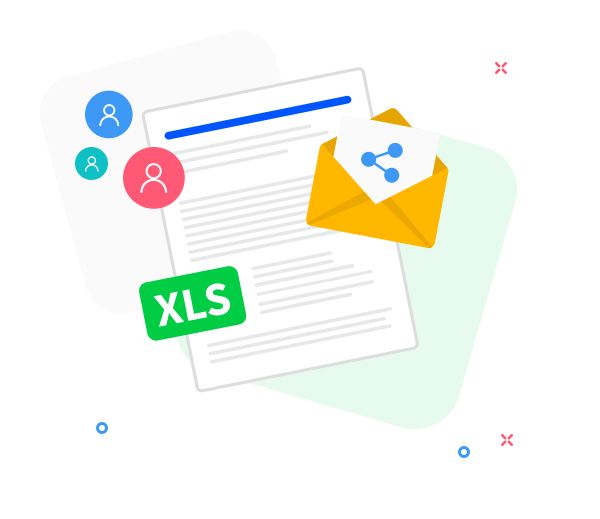
Easily share your converted Excel files via a secure link, with flexible sharing options-supporting collaboration and professional document handling across teams.
PDF Skills: Accurate and Fast
No download required. Upload your PDF and receive a high-quality Excel file within seconds, reflecting professional PDF handling practices.
Accurate PDF to Excel conversion
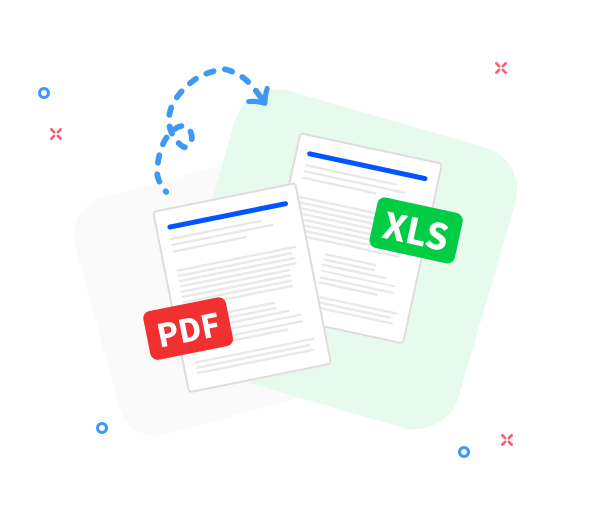
Preserves original formatting to deliver clean, reliable Excel output-consistent with best practices for PDF handling and professional workflows.
Convert PDFs from anywhere
Designed for secure, cross-device use across phones, tablets, and desktops on any OS-empowering professional PDF Skills and confident workflows.
Convert multiple files at once
Upload one or more PDFs to convert. Our tool executes batch conversions with speed and precision, reflecting mastery of PDF tools.
Your data stays private
We protect your data with rigorous security measures. All files are permanently erased shortly after processing, aligning with best practices for professional PDF handling.
Secure conversion you can trust
TLS encryption guarantees secure PDF to Excel conversions, delivering confidence and protection throughout the workflow.
Compliant with GDPR standards.
Our GDPR-compliant workflow demonstrates expert PDF Skills in safeguarding data during upload and conversion. Rely on our professional PDF handling for secure, precise outcomes.
Frequently Asked Questions
Yes. This online PDF to Excel converter is available free of charge, enabling you to convert PDF files into editable Excel spreadsheets without registration, watermarks, or software installation.
This workflow demonstrates advanced PDF Skills for converting PDF data to Excel: it precisely extracts tables, rows, and columns while preserving grid structure. Optimal outcomes are achieved when source PDFs contain structured, selectable text, reflecting best practices for professional document handling and accurate data extraction in PDF workflows.
Yes. Our platform employs secure HTTPS encryption for all upload and processing phases. To uphold professional document handling and data privacy, uploaded PDFs and resulting Excel files are automatically removed from our servers after a short retention window.

Professional PDF Skills Guide: Mastering PDF-to-Excel Conversion (Free)
Leverage proven PDF Skills with these steps to convert PDFs to Excel efficiently, at no cost:
- Upload or drag and drop your PDFs directly into our PDF Skills‑driven PDF-to-Excel tool.
- Organize your files by name or remove undesired items to maintain clear, accurate workflows.
- Choose “Convert to Excel” to initiate the conversion and proceed with a brief wait.
- Your converted Excel workbook will be ready promptly. Download it or share via a secure link.
 Remove pages




This file requires password
Ignore these files

wrong password
Some file(s) requires password
Damaged/Corrupted File
We cannot process corrupted or damaged PDF files. To verify integrity in your PDF workflow, open the file with a reliable PDF reader; if it fails, restore from a clean backup and retry using established PDF handling practices.