
{{ getFeatureName(action_mode) }} your image

Drop your image here.
Our popular AI tools
Enhance Photo
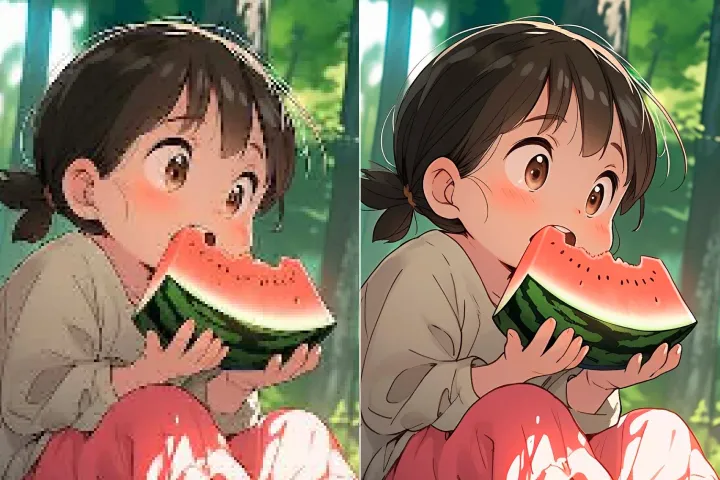
Automatically enhance the blurry photo's resolution and increase the overall quality.
Remove Objects
AIPhotor's One-Touch AI simply detects and removes unwanted details in your picture.
Remove Background
Seamlessly remove background from photos. Edit background with 100+ well-designed templates.
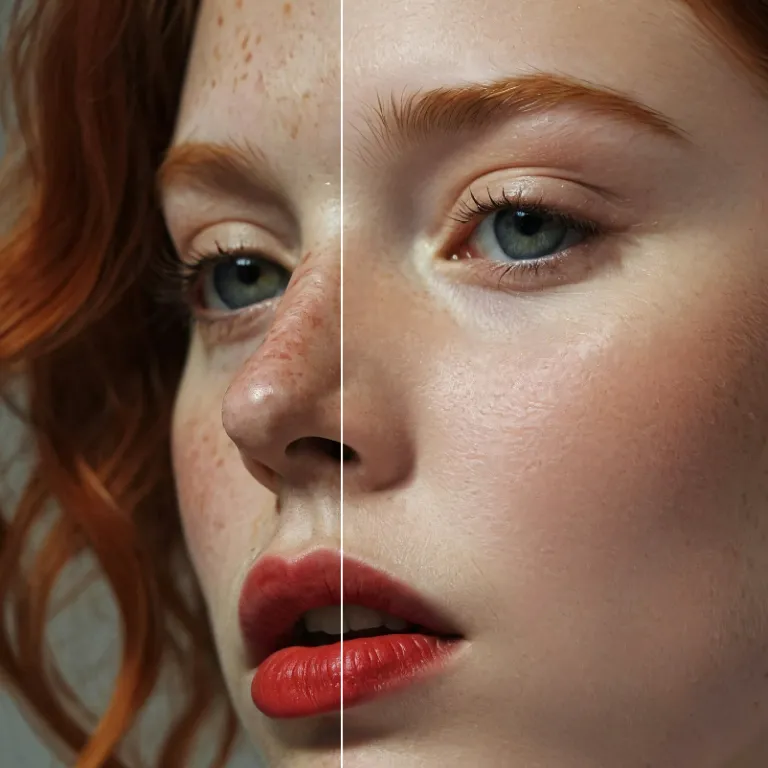


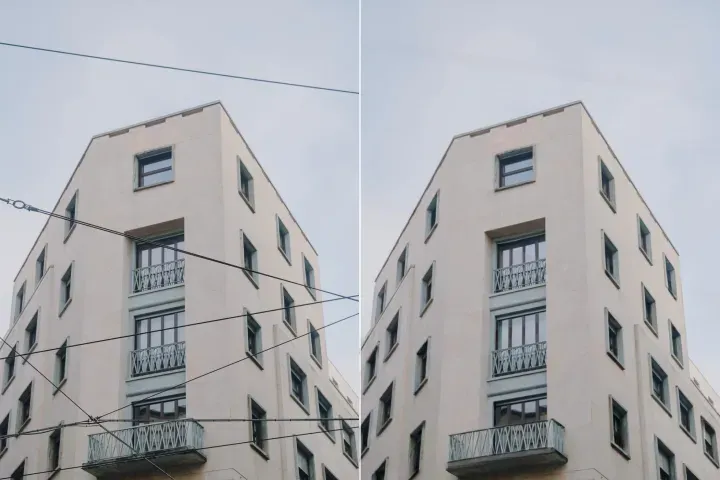
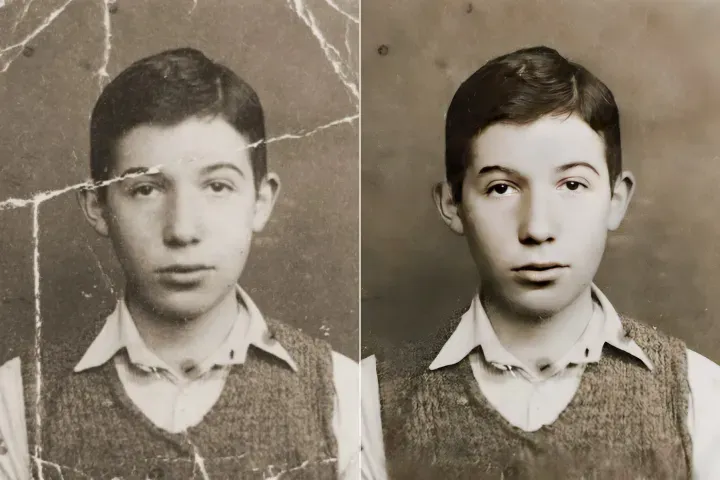
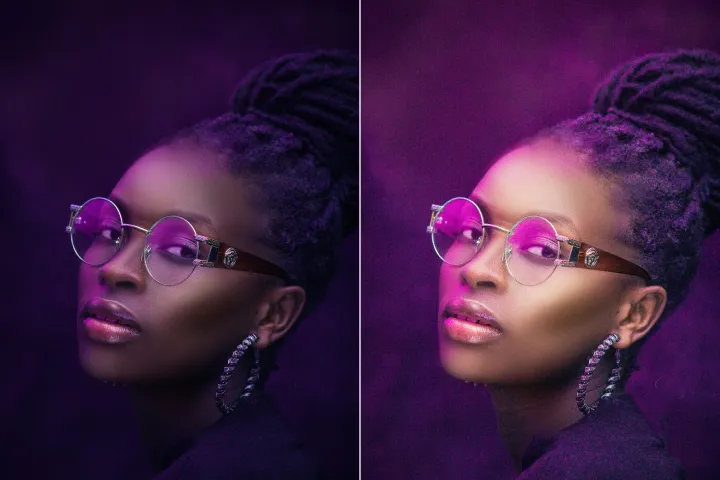
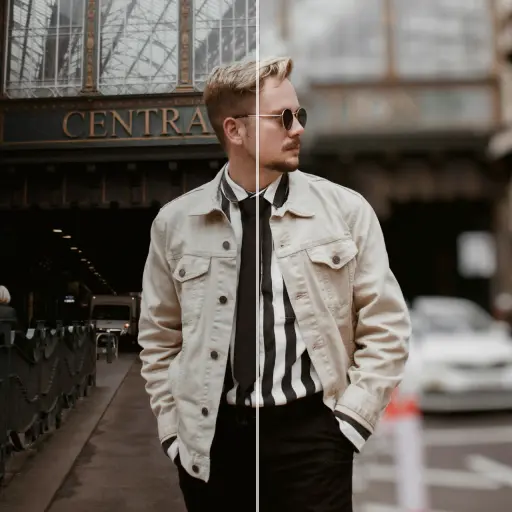
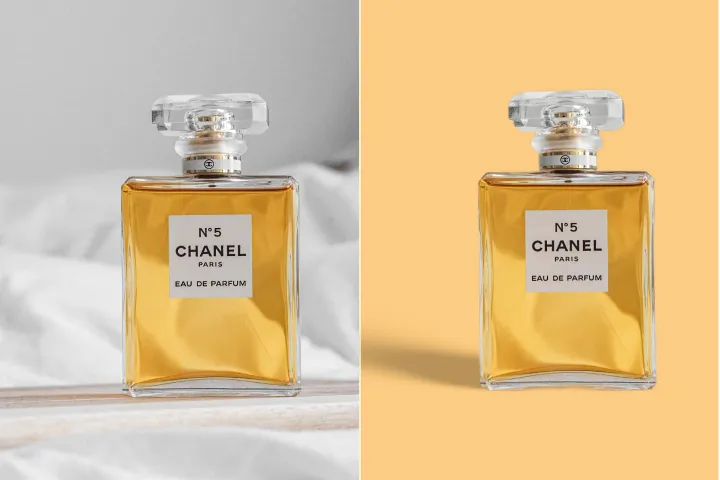
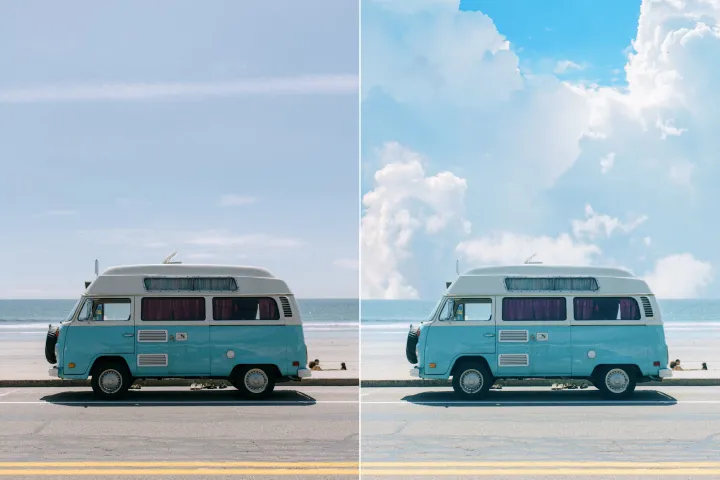
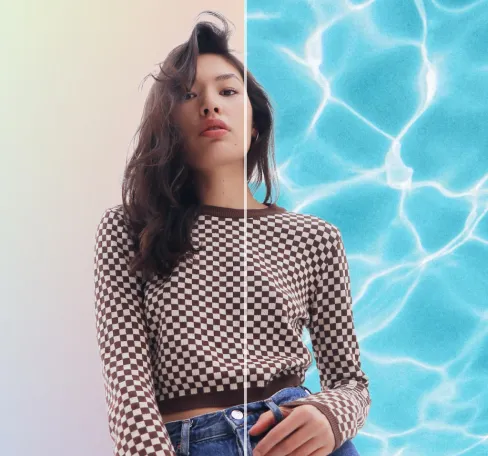
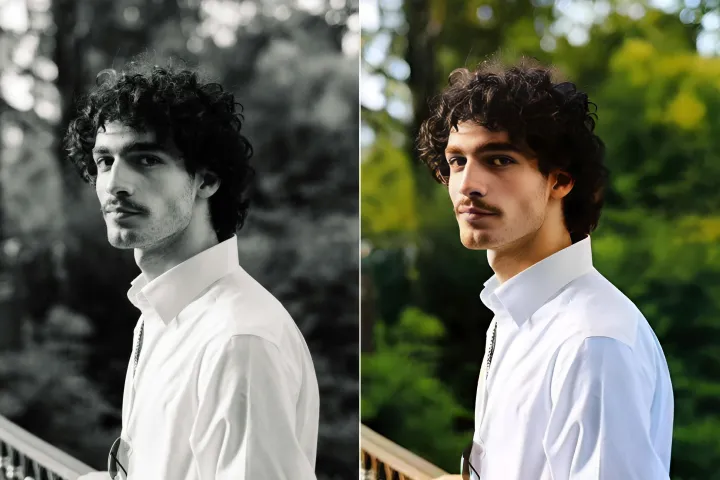
Rétouche de la peau par IA pour les photos
PDF Skills : Affinez les éléments de portrait intégrés dans les fichiers PDF en une seule passe - lissage de la peau et correction des imperfections tout en préservant une apparence naturelle et professionnelle. Pas de sur-traitement - conservez un rendu soigné, prêt pour la publication éditoriale.
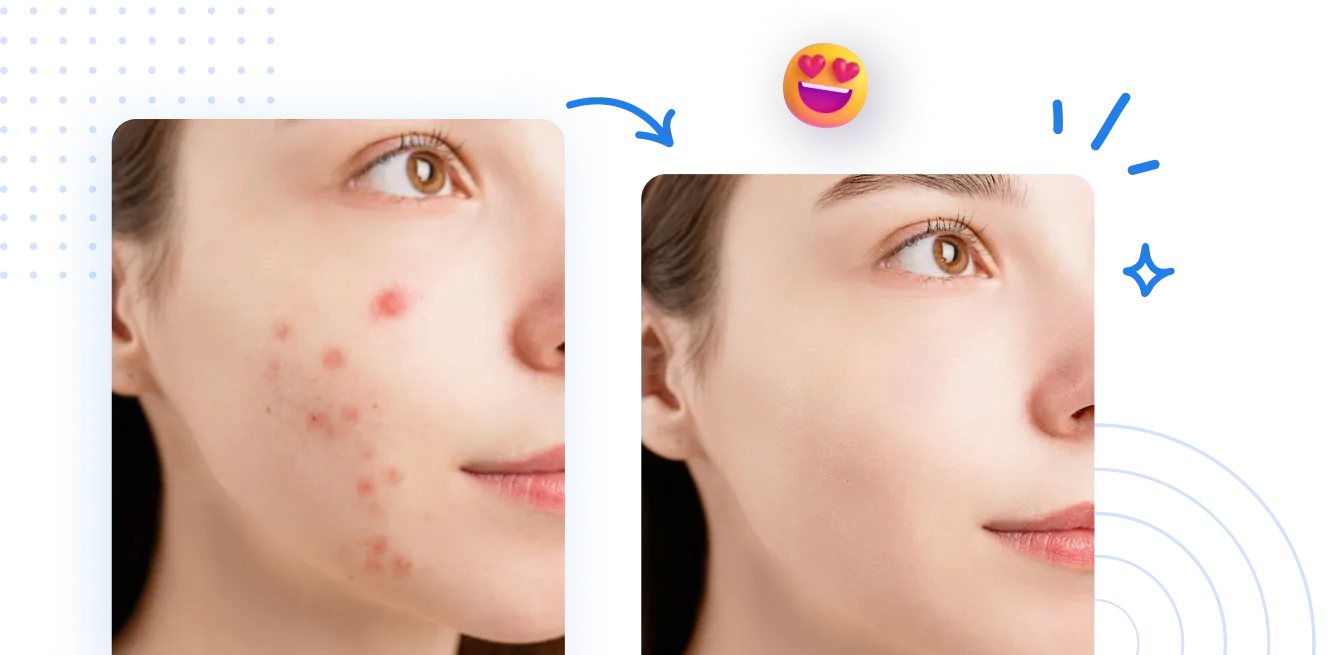
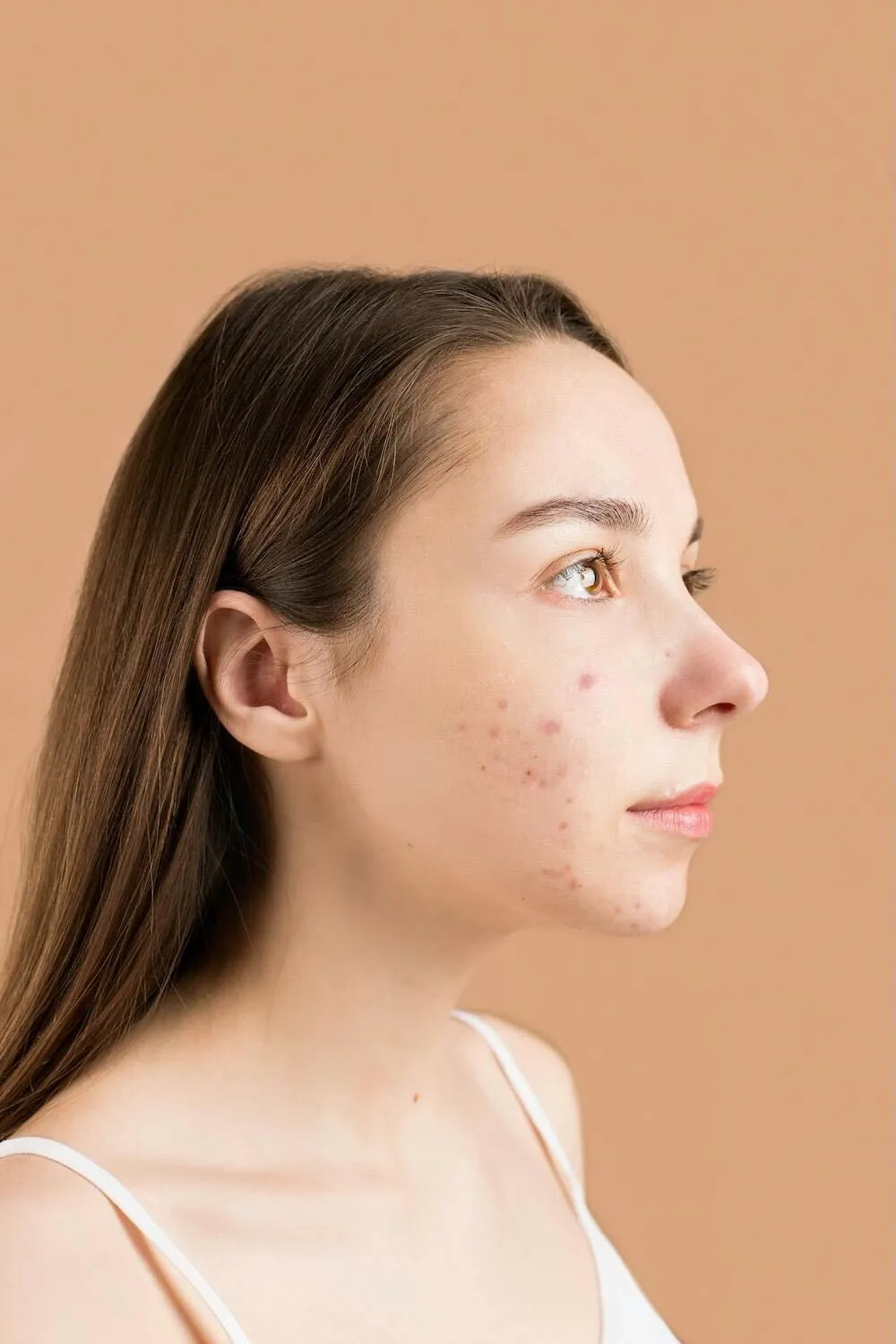
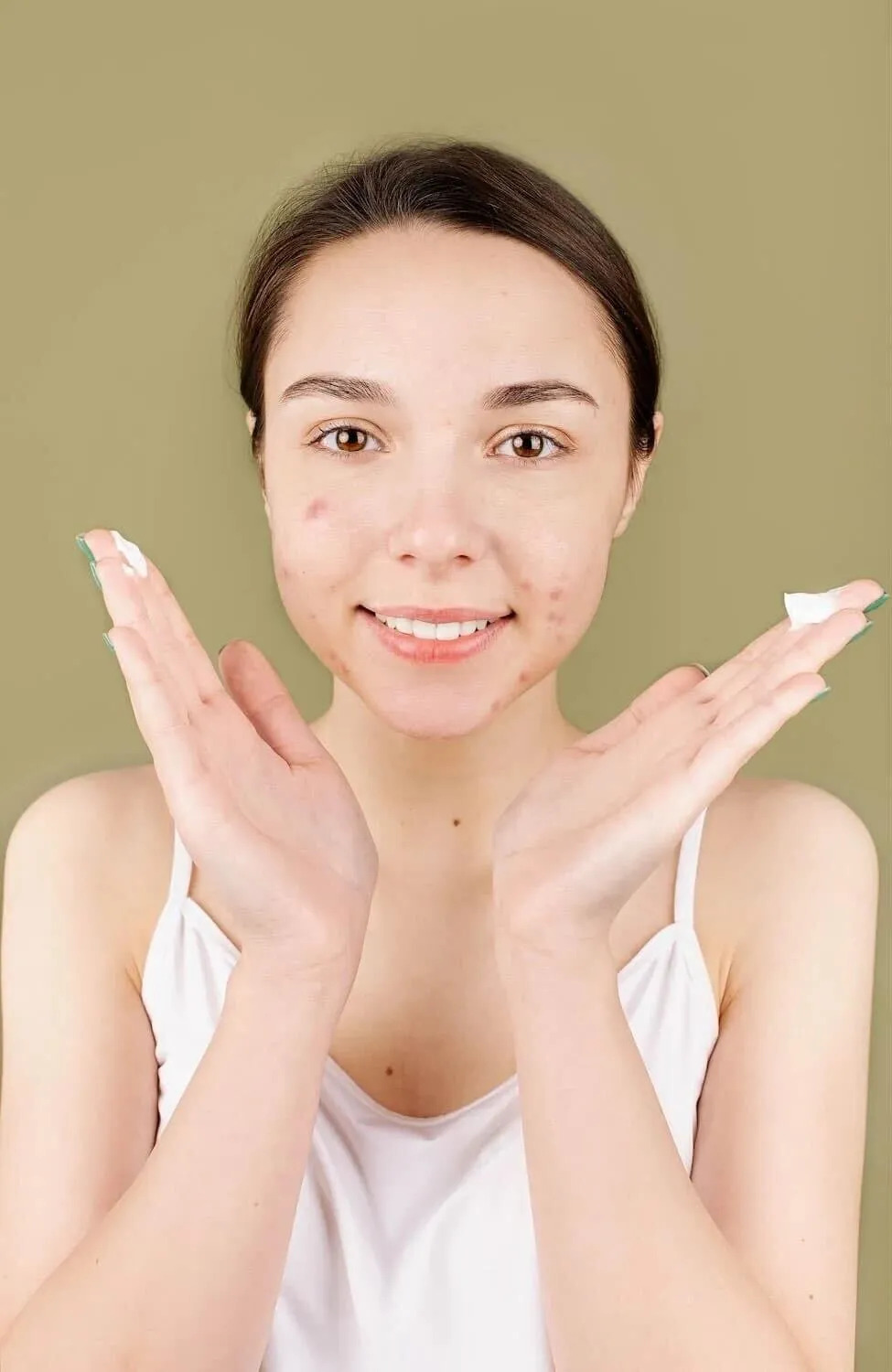
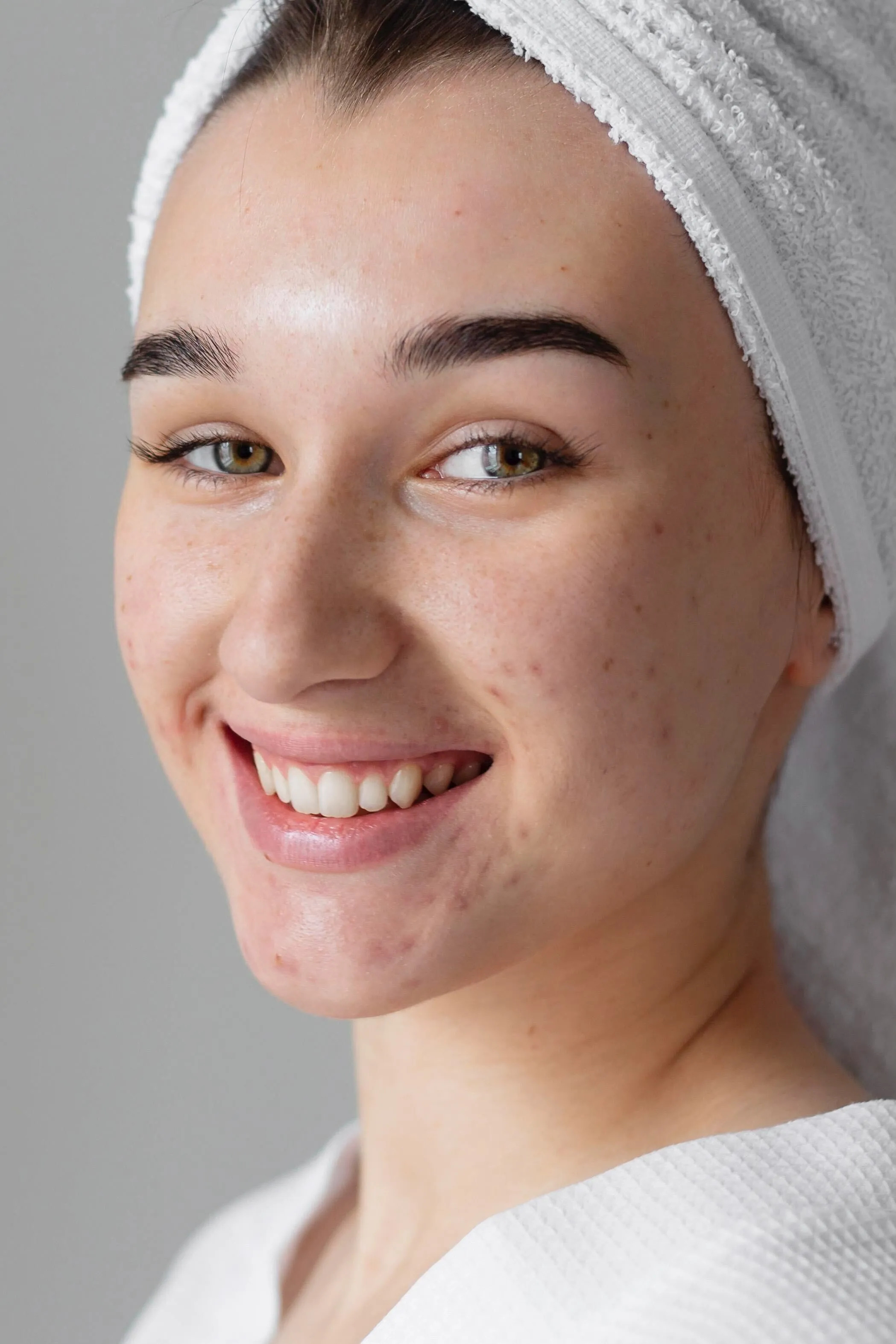
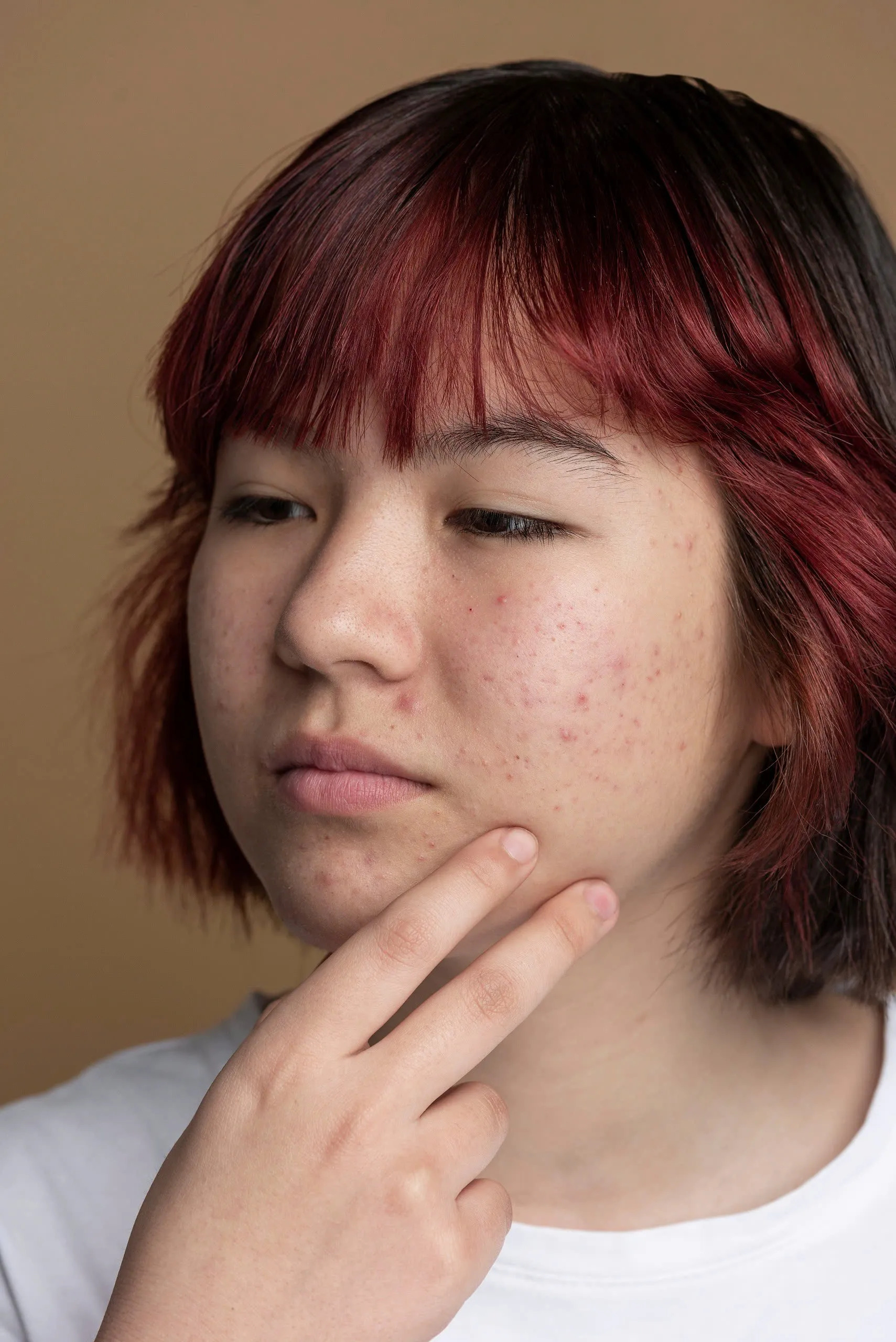
Comment fonctionne la retouche de la peau par IA
Maîtrisez PDF Skills : exploitez le plein potentiel des outils et fonctionnalités PDF pour créer, modifier, annoter, sécuriser et partager des documents professionnels en toute confiance.
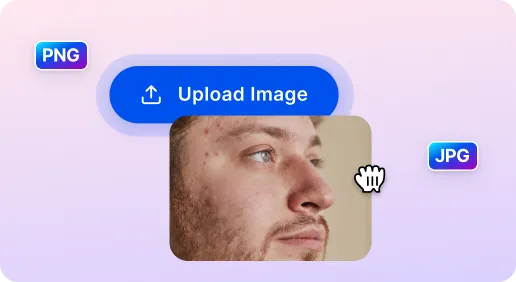
1 Importer une photo
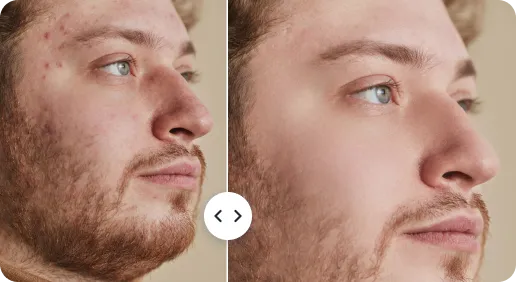
2 Rétouche de la peau par IA
3 Affiner et télécharger
PDFs soignés pour les communications professionnelles avec PDF Skills IA
Créez rapidement une texture de peau belle en quelques secondes
Aucun logiciel avancé n'est nécessaire. Téléchargez votre document et appliquez des améliorations PDF expertes instantanément. Idéal pour les professionnels qui peaufinent rapidement et de manière fiable des rapports et des propositions.
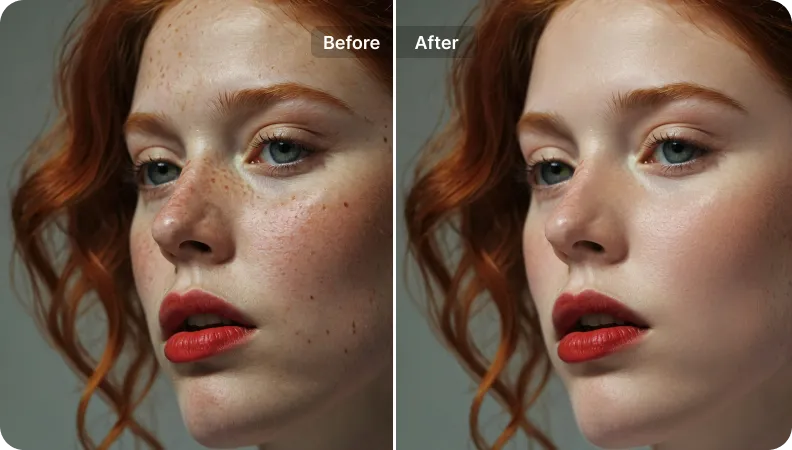
Interface conviviale pour tous
Convivial sur ordinateur, tablette ou mobile. Des commandes intuitives et des flux de travail rationalisés rendent l'optimisation des PDFs rapide et facile.
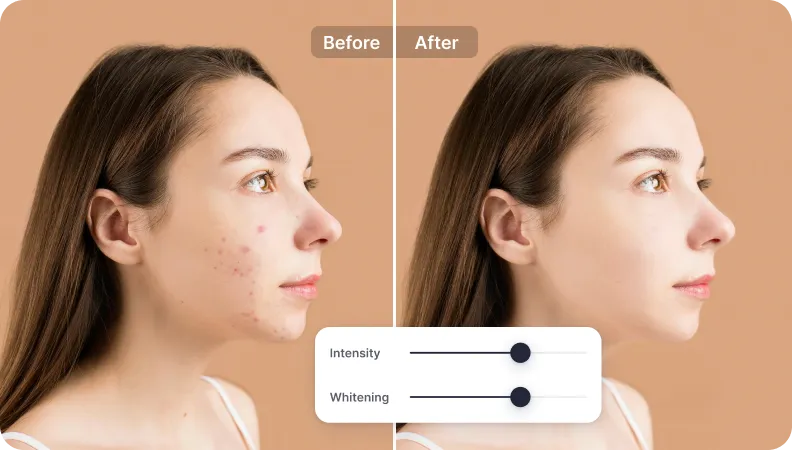
Des résultats impeccables mais naturels à partager
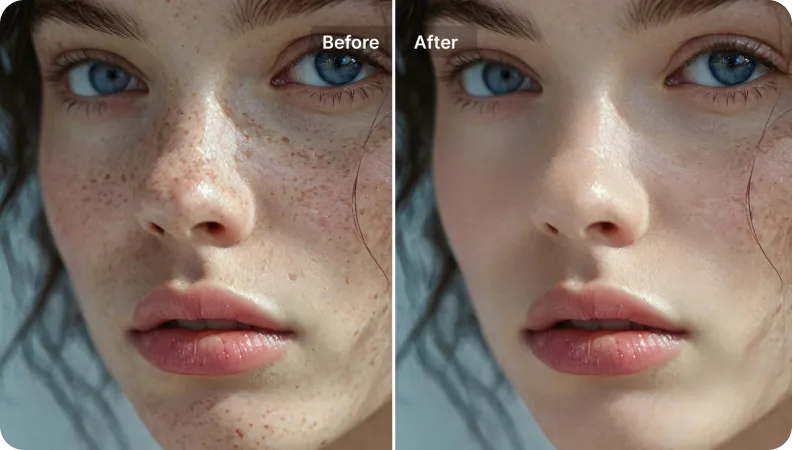
Préserve la fidélité du document tout en améliorant la clarté. Les PDFs paraissent professionnels et prêts à être partagés avec le client ou les parties prenantes - aucune trace de retouches excessives.

Free to Try
AIPhotor is free to try for 3 days, after which you can subscribe to one of our incredible value plans.

Free to Try
We automatically sharpen and transform your images with AI to create multiple final looks. But you can also adjust and add a prompt to customize the results. Choose what works best for you!

Quick & Easy
Screen, edit, resize and download your photos lightning fast.

Compatible with all devices
AIPhotor is available on the iOS and Android stores. Our app works seamlessly across mobile, desktop, and tablet devices.
Frequently Asked Questions
-
What is AIPhotor Photo Editor?

 AIPhotor is a visual online photo editing website that leverages AI technology to help automatically remove objects/people from images; retouch, enhance, colorize, correct, cartoonize, and animate photos in a snap, replacing other photo editing tools Photoshop, Pixlr editor, or Photopea.
Or just drag & drop image here, upto 50 images at once
Or just drag & drop image here, upto 50 images at once
Frequently Asked Questions
-
What is AIPhotor Photo Editor?
AIPhotor is a visual online photo editing website that leverages AI technology to help automatically remove objects/people from images; retouch, enhance, colorize, correct, cartoonize, and animate photos in a snap, replacing other photo editing tools Photoshop, Pixlr editor, or Photopea.